


 Photo: William Hook / Unsplash
Printify
Sell Printify print-on-demand products and send orders to your Printify shop automatically.
🖥️ Open in dashboard/dashboard/marketplace/plugins/VbRlpKxQrXeuI1aT8HFIPrintify is print-on-demand. The app links your store to your Printify shop.
What it does
- One-click import of your Printify products.
- Orders are submitted to Printify automatically using product and variant mappings.
- The catalog stays in sync through webhooks.
- Shipment tracking is posted back as order comments.
Developer
Vondera
Price
Free
Category
Drop Shipping
Available in
18 countries
Set it up
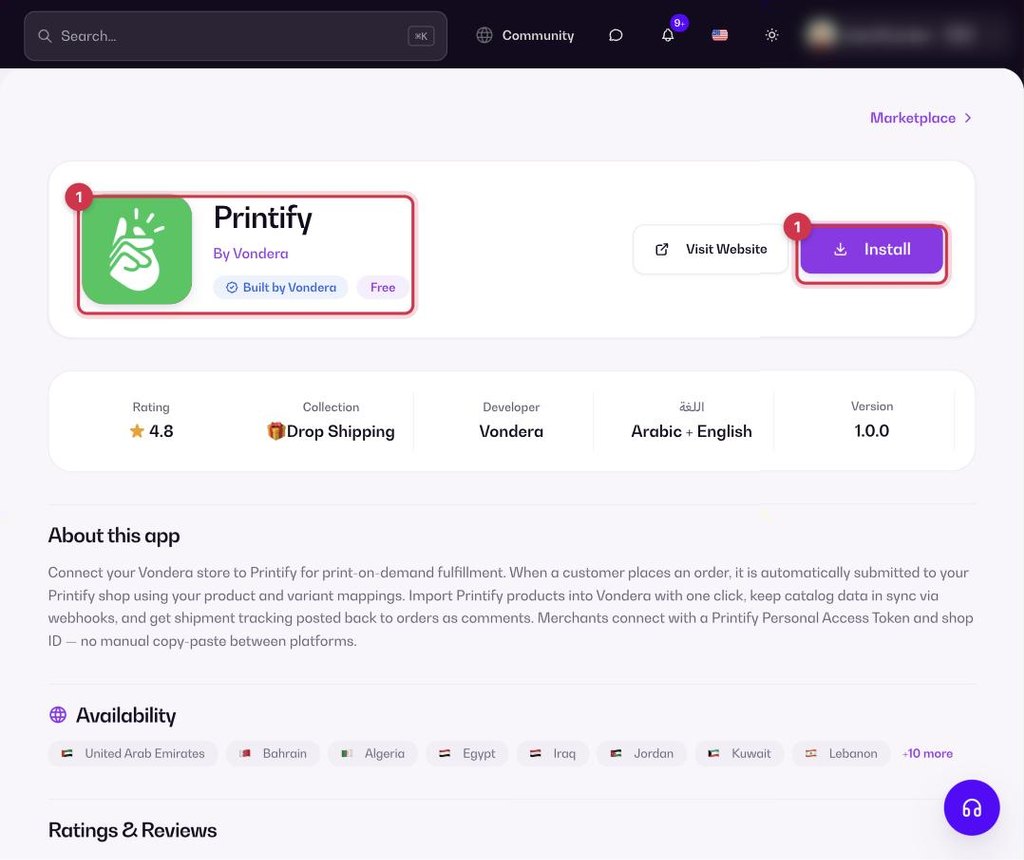
- Go to Apps, filter by Drop Shipping or search, and open Printify. Click Install.
- In Printify, create a Personal Access Token and find your Shop ID.
- Enter both in the app, then import your Printify products.
Where to find your Printify token and Shop ID
- In Printify open My Profile › Connections (printify.com/app/account/api).
- Generate a Personal Access Token, give it a name and allow shops, products, catalog, orders and webhooks.
- Copy the token straight away: it is shown only once and expires after one year.
- Open your store in Printify: the Shop ID is the number after /store/ in the address bar.
Common questions
What do I need?
A Printify shop, a Personal Access Token and your Shop ID.
Where do I see the tracking number?
It is added as a comment on the Vondera order.