


 Photo: William Hook / Unsplash
Daqiq
Connect Daqiq for order confirmation, warehouses and fulfilment after checkout.
🖥️ Open in dashboard/dashboard/marketplace/plugins/WQtEjT9YCNbyrrnqUYhODaqiq is an operations desk for everything after checkout: confirmation, warehouses and fulfilment.
What it does
- Pulls products (variant SKUs and prices) and inventory from Daqiq.
- Sends orders automatically — COD right away, prepaid after payment.
- Confirming in Daqiq moves the Vondera order from Pending to Confirmed; cancels and reschedules are noted.
- Editing an unshipped order cancels and recreates it in Daqiq.
Developer
Vondera
Price
Free
Category
Integrations
Available in
Egypt
Set it up
- In Daqiq, go to Settings → API Keys and create a key (it starts with daqiq_live_).
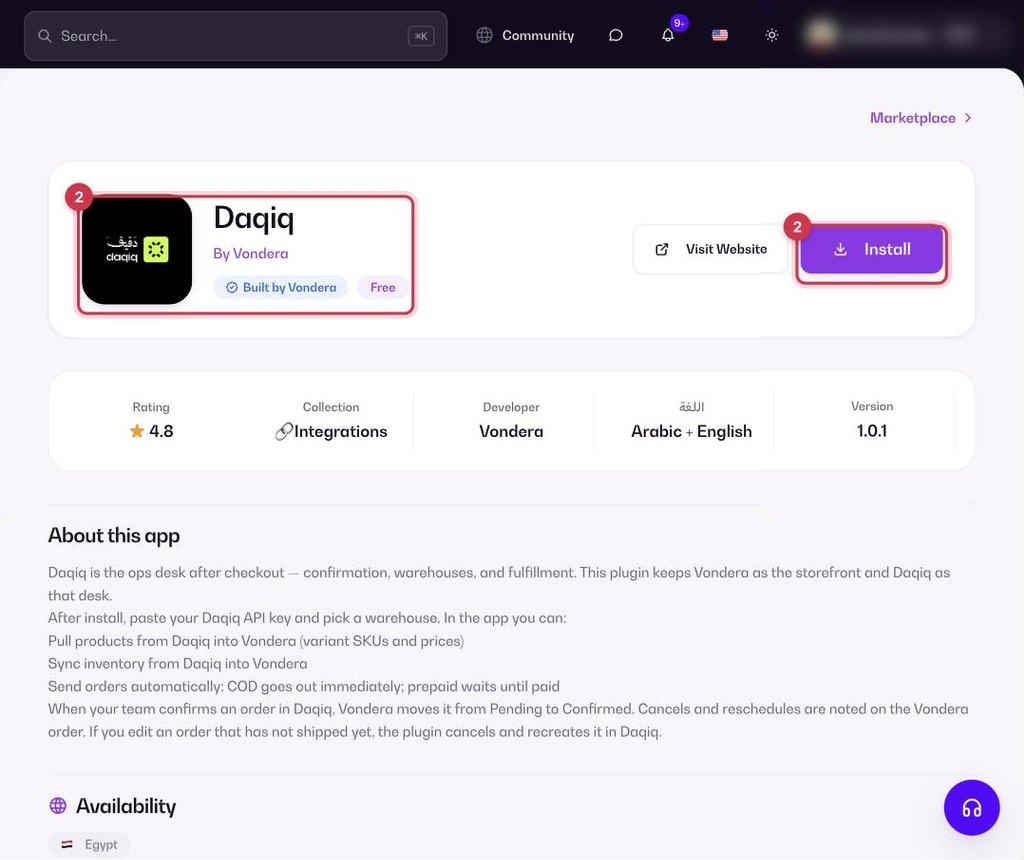
- Go to Apps, filter by Integrations or search, and open Daqiq. Click Install.
- On the install form, paste the API key, enter your Warehouse ID if you have several warehouses, and leave order sync on.
- In the app, pull products and sync inventory. Check the log for any failed orders.
Common questions
Do I need the Warehouse ID?
Only if you have more than one warehouse in Daqiq.