New to Vondera? Start here

Six steps to get your store ready to sell.

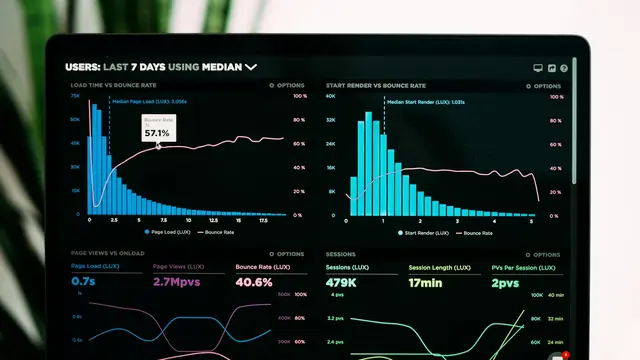
  1. 1A tour of your dashboard homeWhat the numbers, cards and buttons on the dashboard home page mean and how to use them every day.
  2. 2Store information: logo, name and categorySet your store's logo, name, slogan and category, and copy your store ID or link.
  3. 3Add a productCreate a standard product: title, description, images, price, stock and visibility — then save it.
  4. 4Delivery areas and shipping feesChoose the cities you deliver to, the shipping fee and delivery time for each, and add sub-zones.
  5. 5Payment methods overviewHow Payment settings work: online gateways, manual methods like bank transfer and wallets, deposits and cash on delivery.
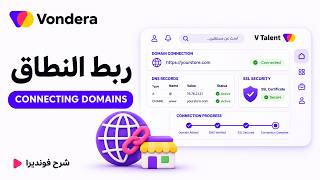
  6. 6Connect a domain or set your store usernameBuy a domain from Vondera, connect a domain you already own, or change your free .vondera.io link.

Browse by topic

Every part of the dashboard, explained.

Video tutorials

Short walkthroughs from the Vondera team (in Arabic).

▶ Full playlist on YouTube

Connect your favourite tools

Couriers, payment gateways and apps — what each one does and how to connect it.

All App Store guides →
Wijha (shipping courier)Any Time (shipping courier)Aramex (shipping courier)Arrive Shipping (shipping courier)Bloom (shipping courier)Cargo Bee (shipping courier)Circle (shipping courier)DHL Express (shipping courier)Filtareeq (shipping courier)GoWavex (shipping courier)Hard Zone (shipping courier)Koko Way (shipping courier)Mylerz (shipping courier)Northway (shipping courier)Panther (shipping courier)Pro Zone (shipping courier)QB Express (shipping courier)Quick Connect (shipping courier)Runners (shipping courier)ShipBlu (shipping courier)Bosta (Username, Password)Bosta API (shipping courier)J&T Express (shipping courier)Leopard Logistics (shipping courier)

Still need help?

Our support team is available 11 AM–7 PM (Egypt time), Saturday to Thursday.