

 Photo: Annie Spratt / Unsplash
Buy freelancer services and track your orders
Browse ready-made service packages in Services, hire instantly, then follow every hired order from My Offers.
🖥️ Open in dashboard/dashboard/v-talents/services🎬 Watch the video
Videos are in Arabic.
Services are ready-made packages offered by freelancers: a clear task, a set price and a delivery time. They are the fastest way to get common work done for your store, because you do not need to write a job post or wait for proposals. Once you hire, My Offers is where you follow all your freelancer orders.
You will find them under Talents › Services and Talents › My Offers.
Find and hire a service
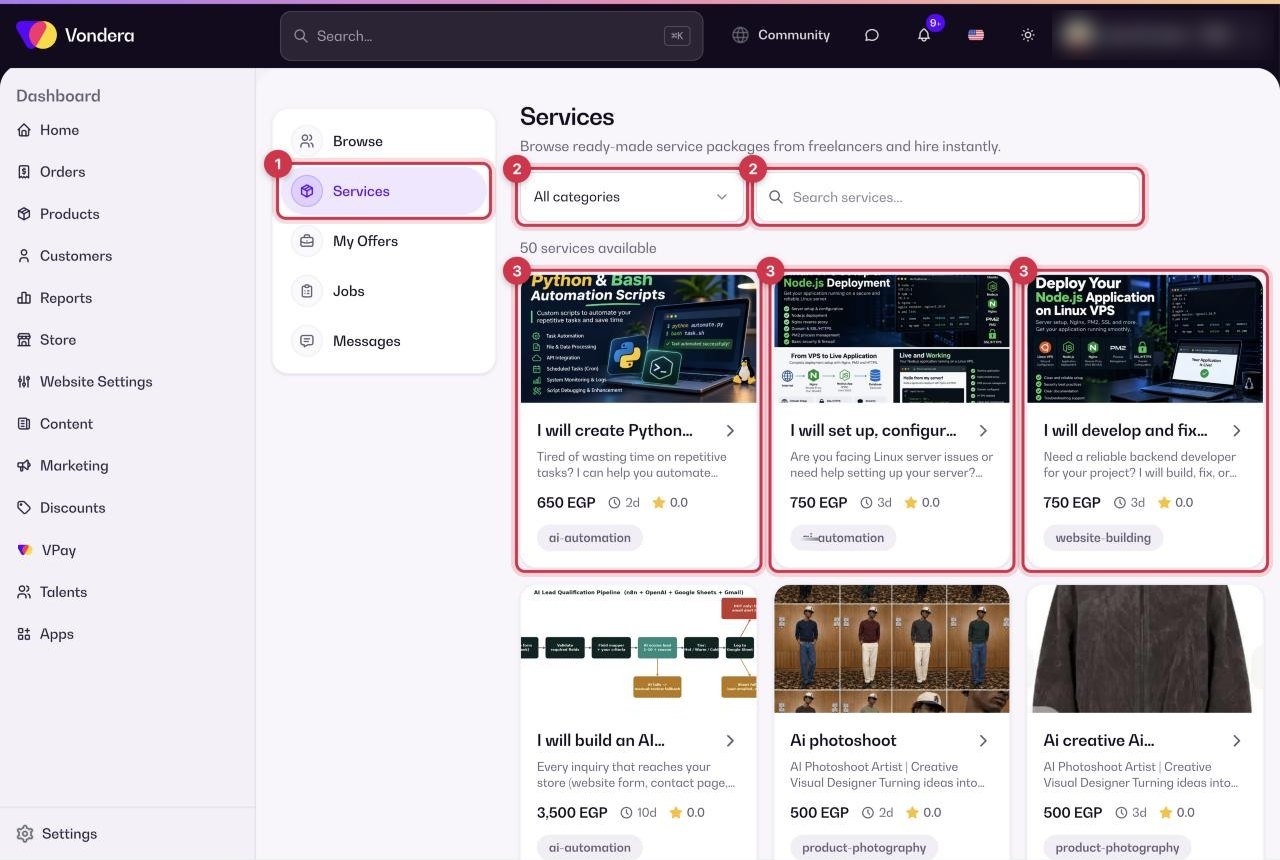
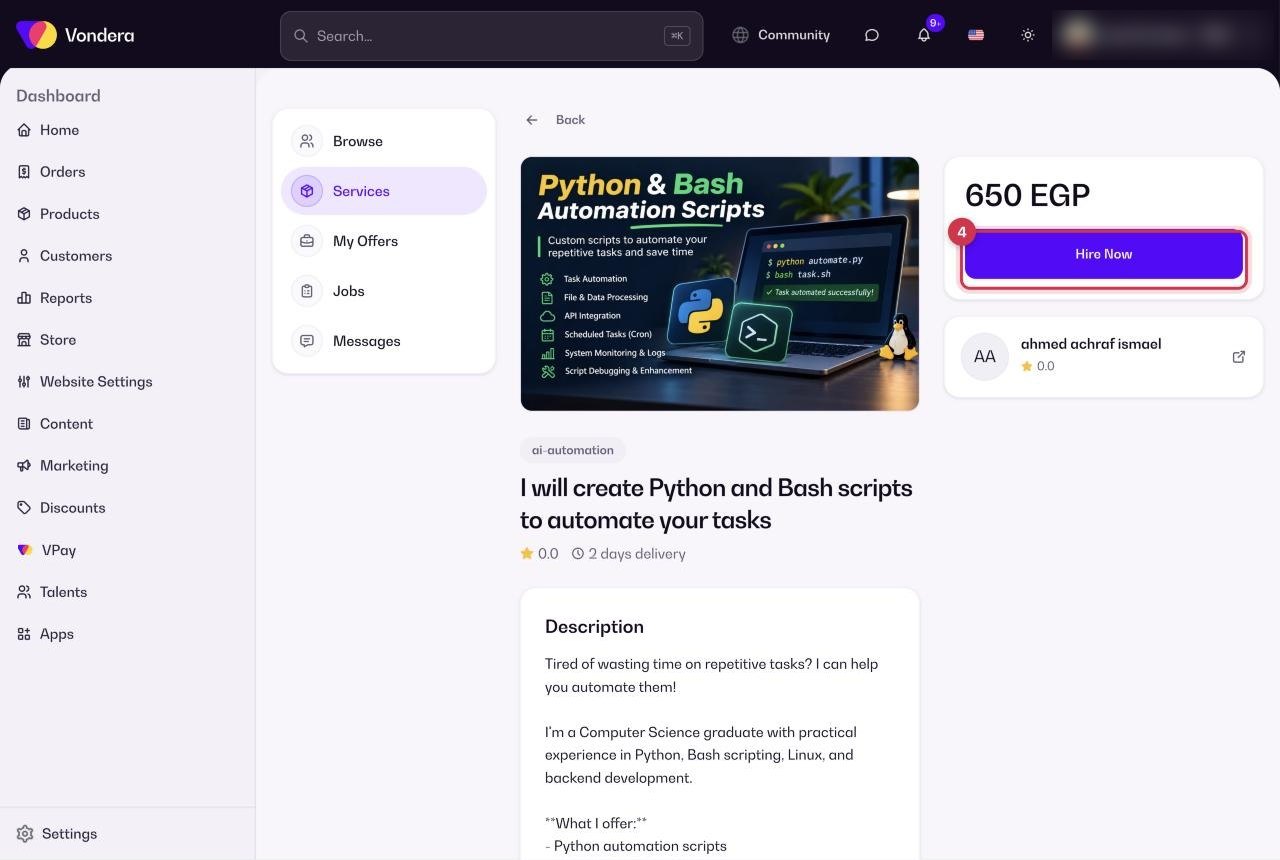
- Go to Talents › Services.
- Search for what you need, or use the category filter to narrow the list.
- Compare the service cards and open the one that fits you.
- Hire the service and share your requirements with the freelancer.
Track your hired orders
- Go to Talents › My Offers.
- Use the status filter to show the orders you want to check.
- Open an order to follow its progress, and use Messages to talk to the freelancer.
Common questions
What is the difference between a service and a job?
A service is ready to hire with a fixed price and delivery time. A job is a custom request you post in Jobs, and freelancers send you proposals.
Where do I find a service I hired?
In Talents › My Offers, together with all your other freelancer orders.
How do I contact the freelancer after hiring?
Open Talents › Messages and choose the conversation with that freelancer.