


 Photo: William Hook / Unsplash
Flextock
Send orders to Flextock’s warehouse for fulfilment and keep stock matched by SKU.
🖥️ Open in dashboard/dashboard/marketplace/plugins/gzOlxXYWSKbUuHka9FE9Flextock is warehouse fulfilment. The app pushes your eligible orders — COD, or prepaid once paid — to Flextock for packing and delivery.
What it does
- Cancelling an order cancels its outbound fulfilment.
- Catalog and inventory are matched by SKU, with import/push and optional stock sync.
- Delivery status is checked about every 2 minutes.
Developer
Vondera
Price
Free
Category
Inventory Management
Available in
Egypt
Set it up
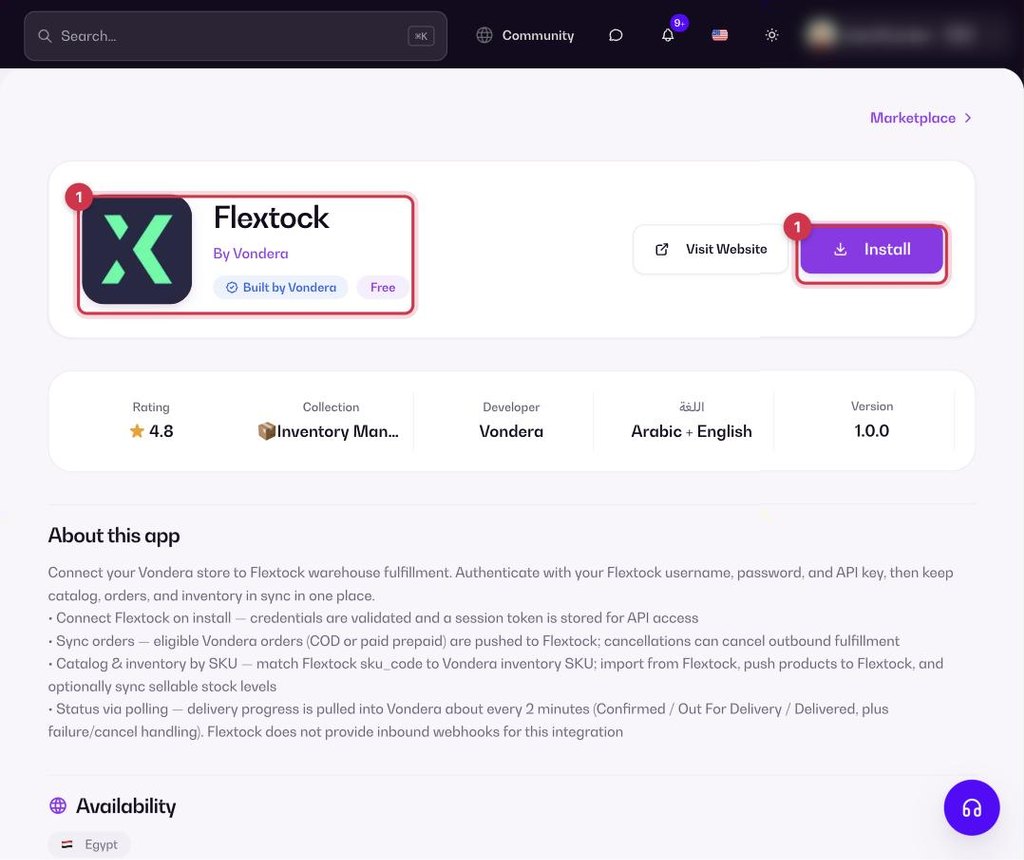
- Go to Apps, filter by Inventory Management or search, and open Flextock. Click Install.
- Enter your Flextock username, password and API key. They are checked when you install.
- Import or push your products, and turn on stock sync if you want it.
Common questions
When is a prepaid order sent?
Only after it is paid.