


 Photo: William Hook / Unsplash
Stox (fulfilment)
Use STOX-EG for warehousing, pick & pack and last-mile delivery.
🖥️ Open in dashboard/dashboard/marketplace/plugins/apfANf49W49ezYenYmssThe Stox fulfilment app connects your store to STOX-EG warehousing, pick & pack and last-mile delivery. It is separate from the Stox courier app.
What it does
- Import the Stox catalog with matching SKUs.
- Send orders automatically, with area and COD mapping.
- Sync delivery and failure statuses (webhooks are set up for you).
- Optional comments on the order timeline, and inventory pulled by SKU.
Developer
Vondera
Price
Free
Category
Inventory Management
Available in
Egypt
Set it up
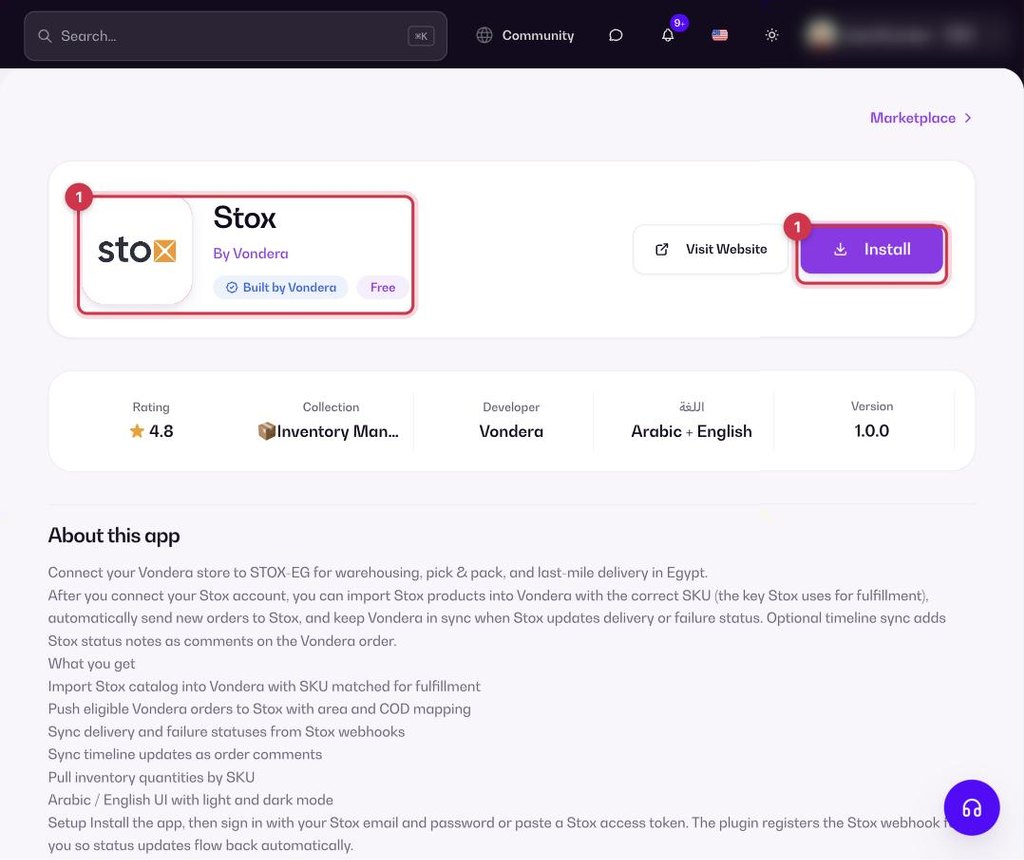
- Go to Apps, filter by Inventory Management or search, and open Stox. Click Install.
- Sign in with your Stox email and password, or paste a Stox access token.
- Import the Stox catalog and check that SKUs match your products.
Common questions
Is this the same as the Stox courier?
No. This app is for warehousing and fulfilment. The Stox courier app is listed separately under Shipping.