


 Photo: William Hook / Unsplash
Currency Converter
Convert your product prices into your other storefront currencies with live exchange rates.
🖥️ Open in dashboard/dashboard/marketplace/plugins/sl6cevyOsI6rBKJtObNDCurrency Converter (shown inside the app as Currency Exchanger) takes each product’s price in your default market and converts it into your other active storefront currencies using live exchange rates. It is useful when you sell in several markets.
What it does
- Runs on new products, price updates, or both — you choose.
- Lets you set manual overrides when you want a fixed price.
- Optional daily rate check that reprices your catalog.
- Keeps logs you can review in the app.
Developer
Vondera
Price
Free
Category
Automation
Available in
18 countries
Set it up
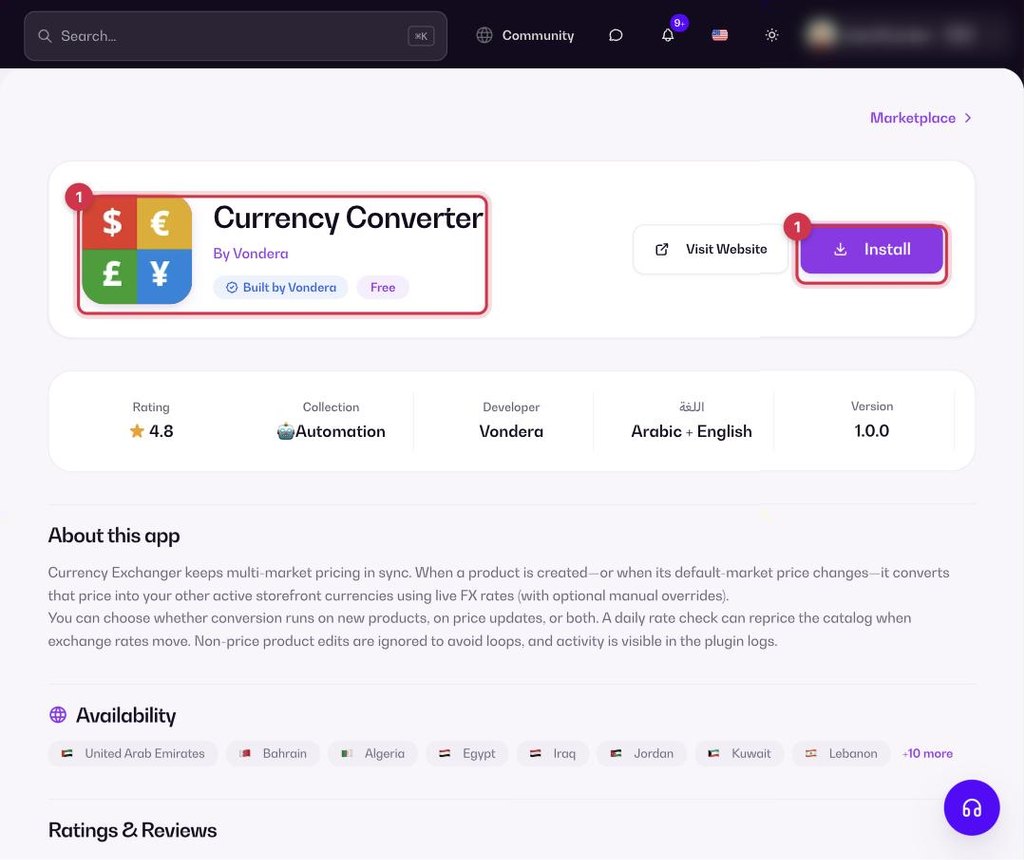
- Go to Apps, filter by Automation or search, and open Currency Converter. Click Install.
- Make sure your other markets are active in Store › Markets.
- Click Configure, choose when it should run and whether to turn on the daily rate check, then save.
Common questions
Can I keep a fixed price in one currency?
Yes. Use a manual override for that price.