


 Photo: William Hook / Unsplash
VSec - Security Plugin
Block risky website orders by IP country, shipping country, and an allow/block list.
🖥️ Open in dashboard/dashboard/marketplace/plugins/3qHG7O1x1M0FUQB6QWWWVSec protects your store from risky orders. It can block website orders based on the customer’s IP country, the shipping country, and your own allow and block lists.
Set it up
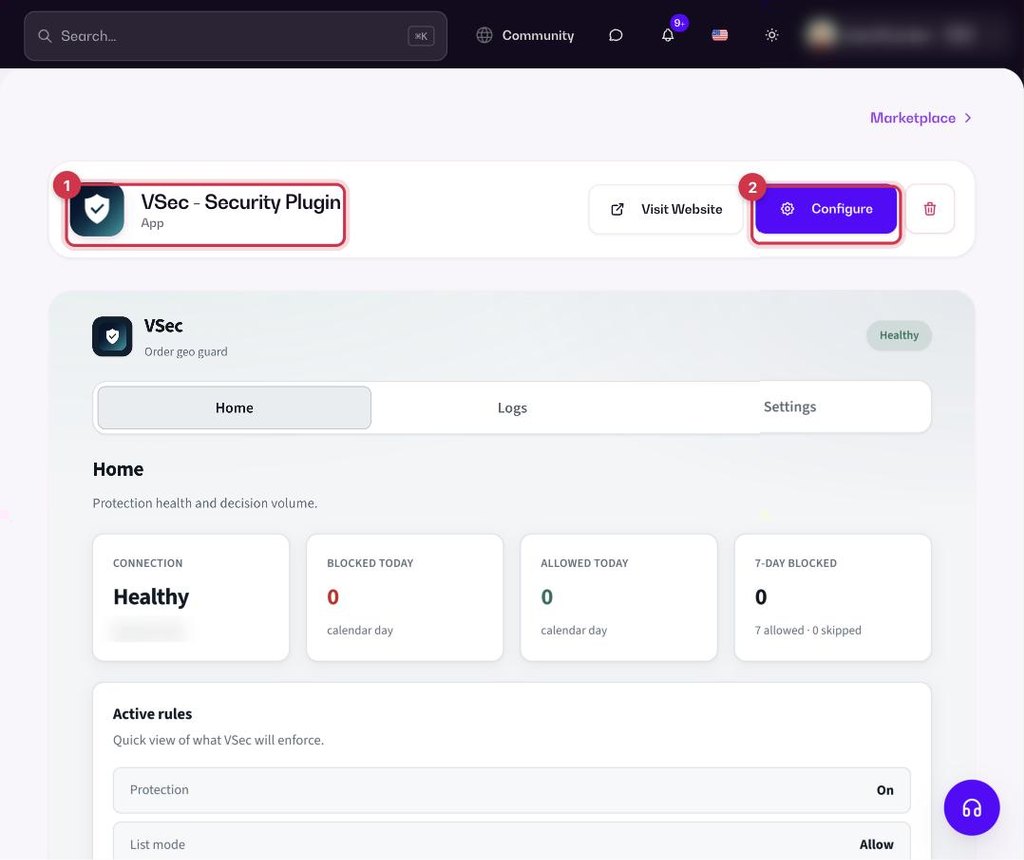
- Go to Apps, find VSec - Security Plugin and open it. Click Install.
- Click Configure and set your rules: which IP countries and shipping countries to block, and who to always allow or block.
- Save. New website orders are checked against your rules.
ℹ️ Good to knowVSec adds a webhook for new orders in Settings › Webhooks. Keep it on while you use the app.
Common questions
Can I make sure a trusted customer is never blocked?
Yes. Add them to your allow list.