


 Photo: William Hook / Unsplash
wexora ai
Send order notifications on WhatsApp and let customers confirm or cancel in chat.
🖥️ Open in dashboard/dashboard/marketplace/plugins/oL2UbUfYPfCabdTEspllwexora ai sends your order notifications to customers from a WhatsApp session you choose.
What it does
- Customers can confirm or cancel their order in the chat.
- Cancellation reasons are recorded.
- You can follow all activity in the Wexora dashboard.
Developer
Third-party developer
Price
Free
Category
Integrations
Available in
Egypt
Set it up
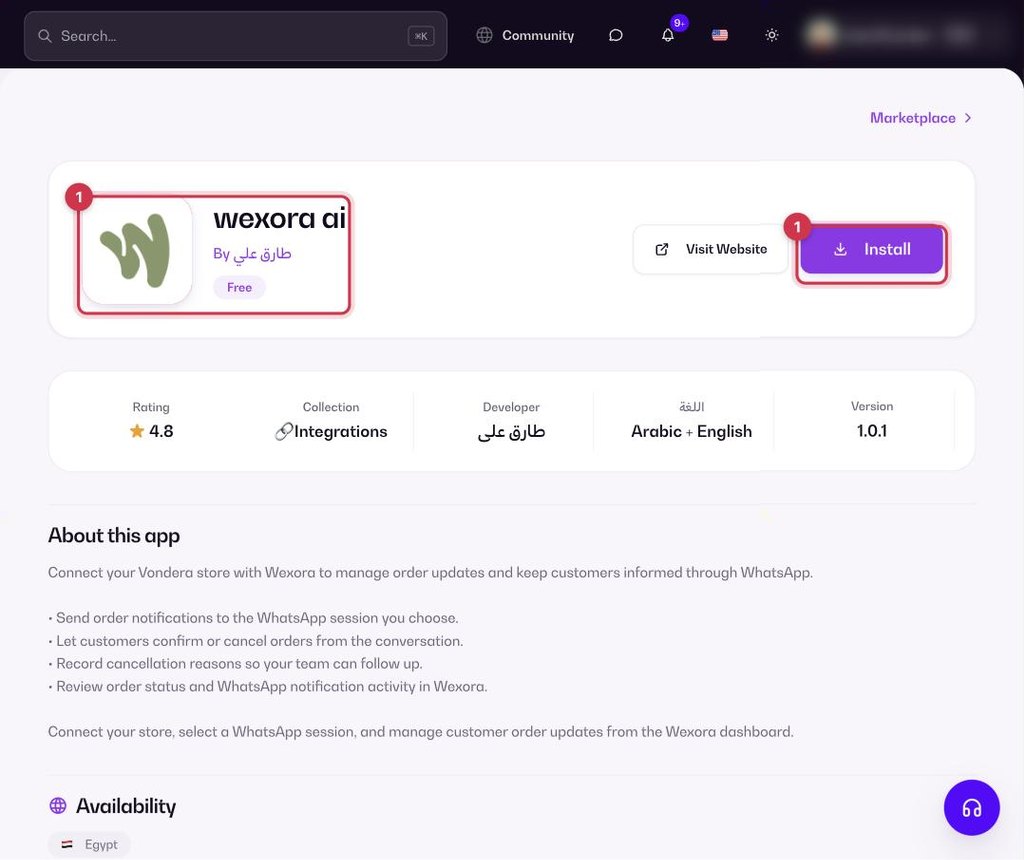
- Go to Apps, filter by Integrations or search, and open wexora ai. Click Install.
- Connect your store in Wexora.
- Select the WhatsApp session that should send your notifications.
Common questions
Can I choose which WhatsApp number sends the messages?
Yes. Select the WhatsApp session you want in Wexora.
Where do I see confirmations and cancellations?
In your Wexora dashboard.