


 Photo: William Hook / Unsplash
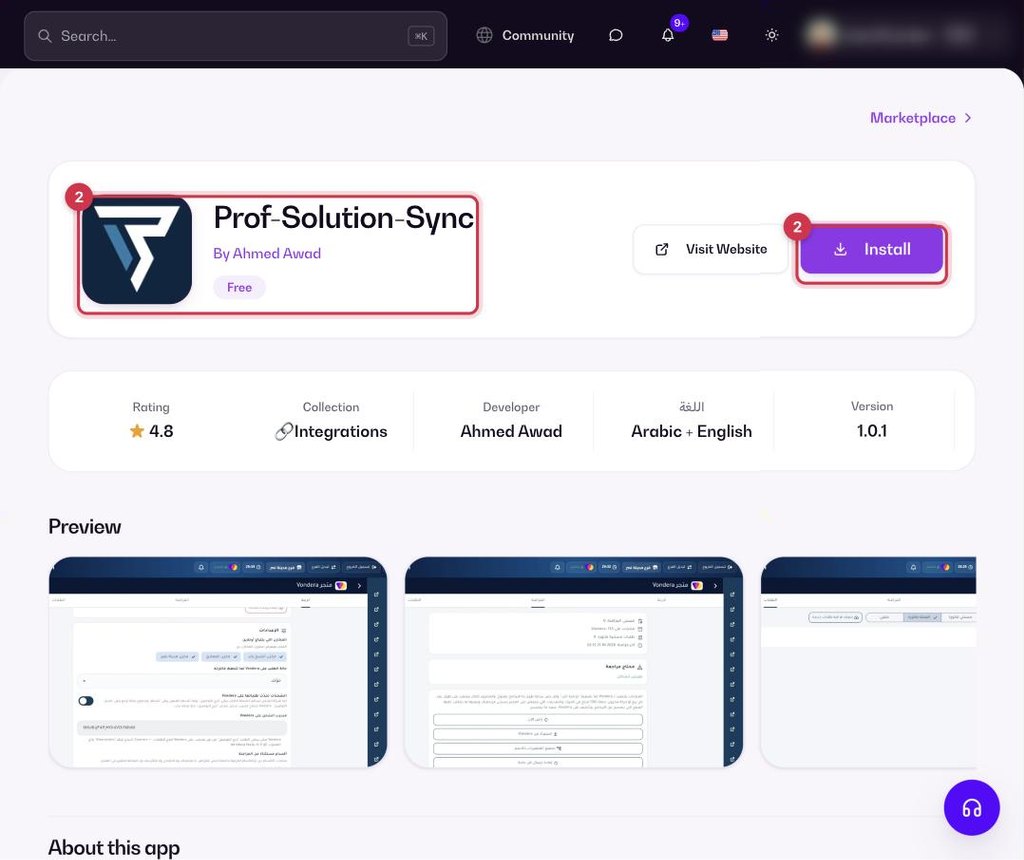
Prof-Solution-Sync
Two-way sync between your store and the Prof Solution ERP.
🖥️ Open in dashboard/dashboard/marketplace/plugins/IheobZR3MZByFOD6XKEEProf-Solution-Sync connects your store to the Prof Solution ERP and keeps products, stock and orders in sync both ways.
What it does
- Products, variants, prices, images and categories come from your ERP items, linked by SKU or barcode.
- Stock comes from the warehouses you choose, minus reserved and open orders.
- Orders go to the ERP order inbox; invoice status, payment and number come back.
- Edits made directly in the store are flagged for review.
Developer
Ahmed Awad (third-party)
Price
Free
Category
Integrations
Available in
Egypt
Set it up
- In Prof Solution, go to Branch settings, choose Vondera as your online store and copy the connection code.
- Go to Apps, filter by Integrations or search, and open Prof-Solution-Sync. Click Install.
- Paste the connection code, choose your warehouses and run the first sync.
Common questions
How are products matched?
By SKU or barcode, so keep them the same in both systems.