


 Photo: William Hook / Unsplash
CJ DropShipping
Import CJ products and send new orders to CJ for fulfilment automatically.
🖥️ Open in dashboard/dashboard/marketplace/plugins/ZUVn7OqP53yoRRItRdQVCJ DropShipping connects your store to CJ. New Vondera orders are sent to CJ automatically, and CJ keeps products, stock, orders and shipping updated.
What it does
- Imports CJ catalog products on install or whenever you want.
- Two fulfilment modes: CJ Logistics or Platform Waybill (your own tracking).
- Shows each order’s sync status — pending, syncing, synced or failed — with notes on the order.
Developer
Vondera
Price
Free
Category
Drop Shipping
Set it up
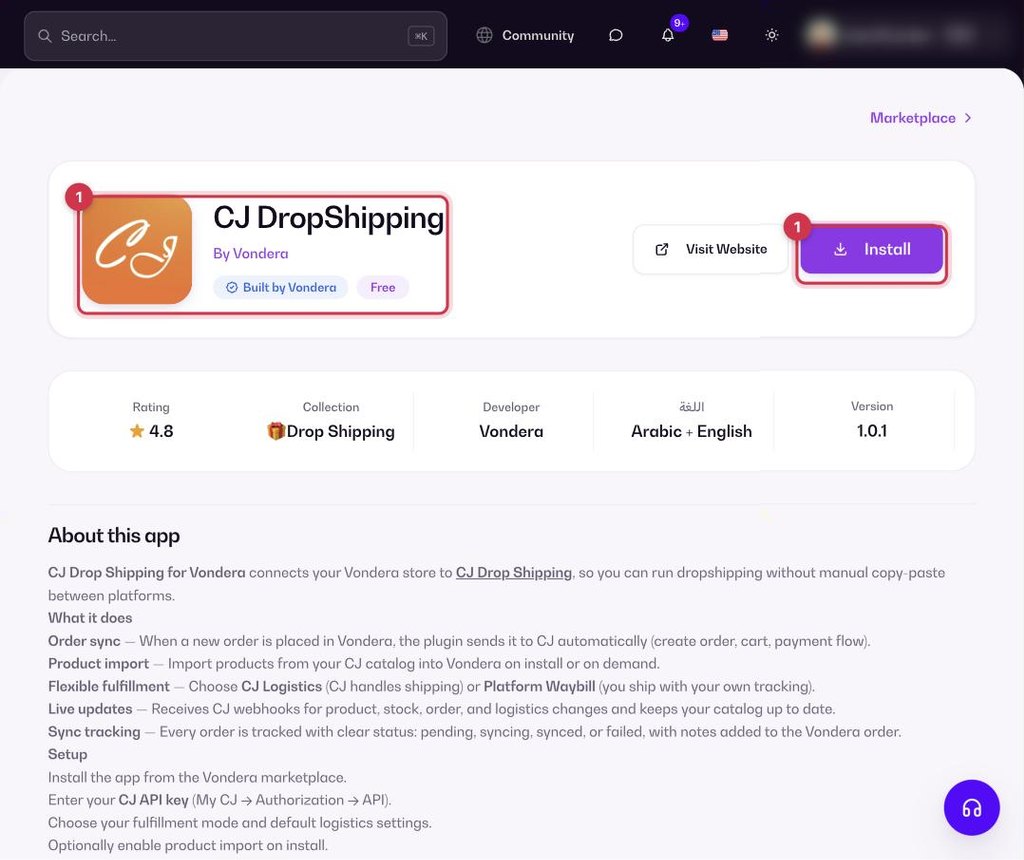
- Go to Apps, filter by Drop Shipping or search, and open CJ DropShipping. Click Install.
- In CJ, go to My CJ → Authorization → API and copy your API key.
- Paste the API key, choose the fulfilment mode and default logistics, and decide whether to import products on install.
ℹ️ Good to knowYou need an active CJ account with API access and enough balance in your CJ wallet — orders are paid from your CJ account. Products are linked by SKU.
Where to find your CJ API key
- Sign in to cjdropshipping.com and open My CJ.
- Open Authorization › API. On newer accounts the page is under Apps › API (install the API app from Apps › Install App › Others if you don’t see it).
- Click Add API (or Generate), choose type API Key and confirm.
- Click the Copy icon next to the key and paste the whole key into Vondera. It looks like CJ1234567@api@…
ℹ️ Good to knowCJ allows about one API call per second, so if validation fails right after you clicked it several times, wait a minute and try again.
Common questions
Why did an order fail to sync?
Check the note on the order. Common reasons are a missing SKU link or low CJ wallet balance.