


 Photo: William Hook / Unsplash
Shopzy
Sync products and orders with Shopzy using your vendor API key.
🖥️ Open in dashboard/dashboard/marketplace/plugins/oOz7fx53qC6RHNUO0A6DShopzy connects your store to Shopzy with a Vendor API key, so products and orders stay in sync.
What it does
- Import or push products by SKU, including colour and size variants.
- Forward eligible COD and prepaid orders to Shopzy.
- Order status comes back from Shopzy about every 2 minutes.
- Optional stock sync.
Developer
Vondera
Price
Free
Category
Inventory Management
Available in
Egypt
Set it up
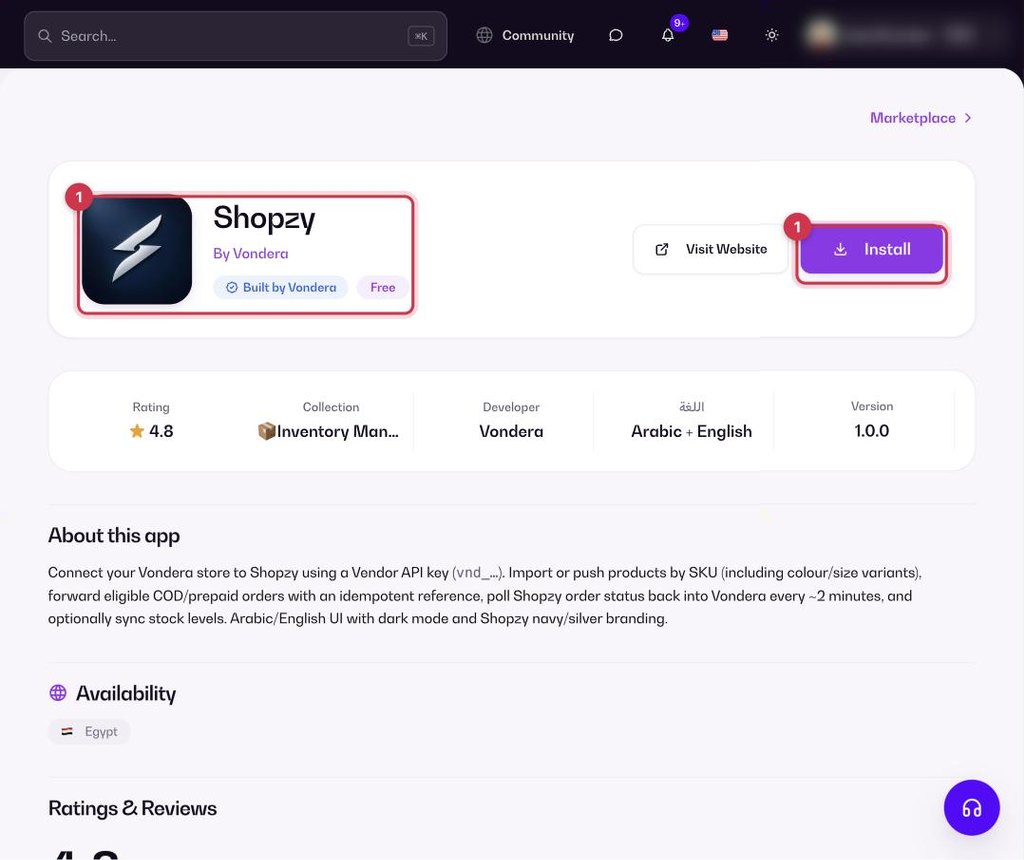
- Go to Apps, filter by Inventory Management or search, and open Shopzy. Click Install.
- Enter your Shopzy Vendor API key (it starts with vnd_).
- Import or push your products, and turn on stock sync if you want it.
Where to find your Shopzy vendor API key (it starts with vnd_)
Shopzy gives you the vendor API key (it starts with vnd_) from your account with them. If you can’t find it, contact Shopzy support and ask them for your vendor API key (it starts with vnd_) to connect your store to Vondera.
Common questions
How often does order status update?
About every 2 minutes.
How are products matched?
By SKU, including each colour and size variant.