


 Photo: William Hook / Unsplash
VRobo
Confirm cash-on-delivery orders automatically with robot calls, WhatsApp and SMS.
🖥️ Open in dashboard/dashboard/marketplace/plugins/4dFjgY7XtJlnnRJMA1A3VRobo confirms your COD orders for you. It contacts the customer by robot voice call (IVR), WhatsApp and SMS in sequence, collects the answer and updates the order.
What it does
- Contacts customers to confirm new COD orders.
- Updates the order’s tags, notes and status with the customer’s answer.
- Logs each result in the order timeline, for example “VRobo: Customer Confirmed”.
Developer
Vondera
Price
Free
Category
Customer Service
Available in
Egypt
Set it up
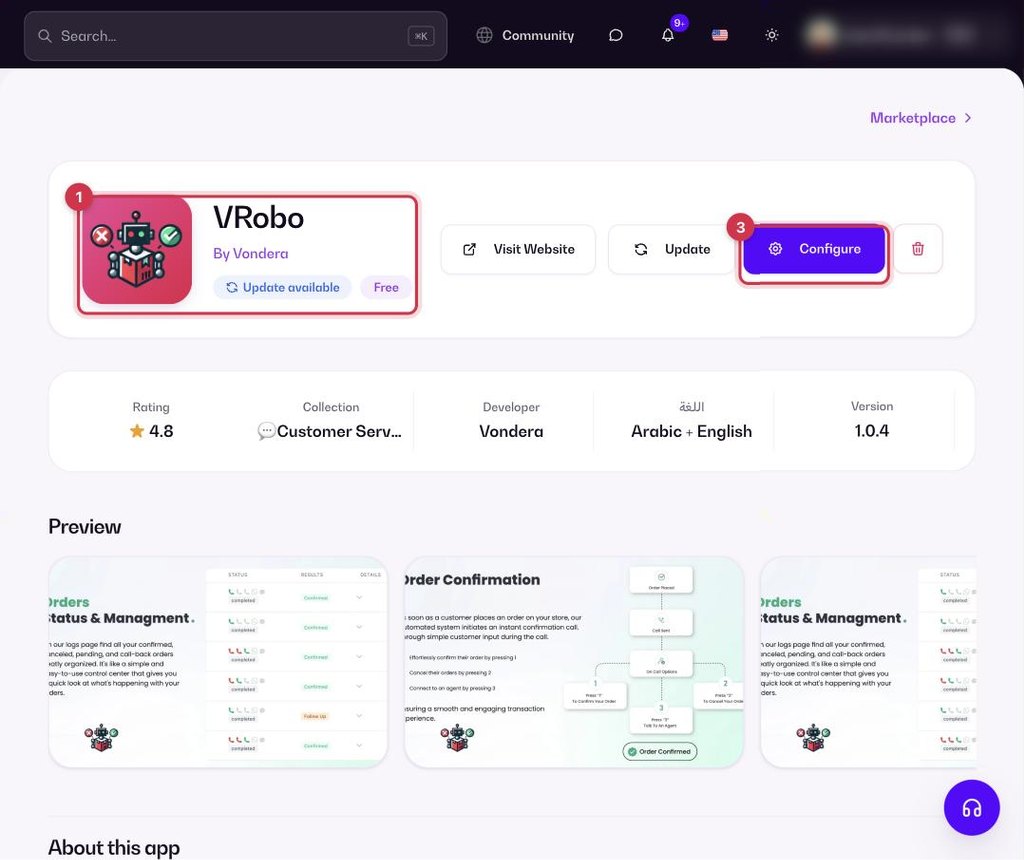
- Go to Apps, filter by Customer Service or search, and open VRobo. Click Install.
- In your VRobo merchant account, go to Settings → Api Key and copy your API key.
- Back in Vondera, click Configure and paste the API key.
- In your VRobo dashboard, set the webhook URL shown in the app.
Common questions
Do I need a VRobo account?
Yes. You need a VRobo merchant account to get the API key.
Where do I see the result of a call?
In the order’s timeline and in its tags, notes and status.