


 Photo: William Hook / Unsplash
VSheet (Google Sheet Sync)
Keep your orders in a Google Sheet you own — just sign in with Google.
🖥️ Open in dashboard/dashboard/marketplace/plugins/iDzrf5FNBDCGXZskE8yCVSheet keeps your orders in a Google Spreadsheet you own. New orders become new rows, and when an order changes, the same row is updated (matched by Order ID).
Developer
Vondera
Price
Free
Category
Analytics
Available in
18 countries, including Egypt, UAE, Bahrain, Algeria, Iraq, Jordan, Kuwait and Lebanon
Set it up
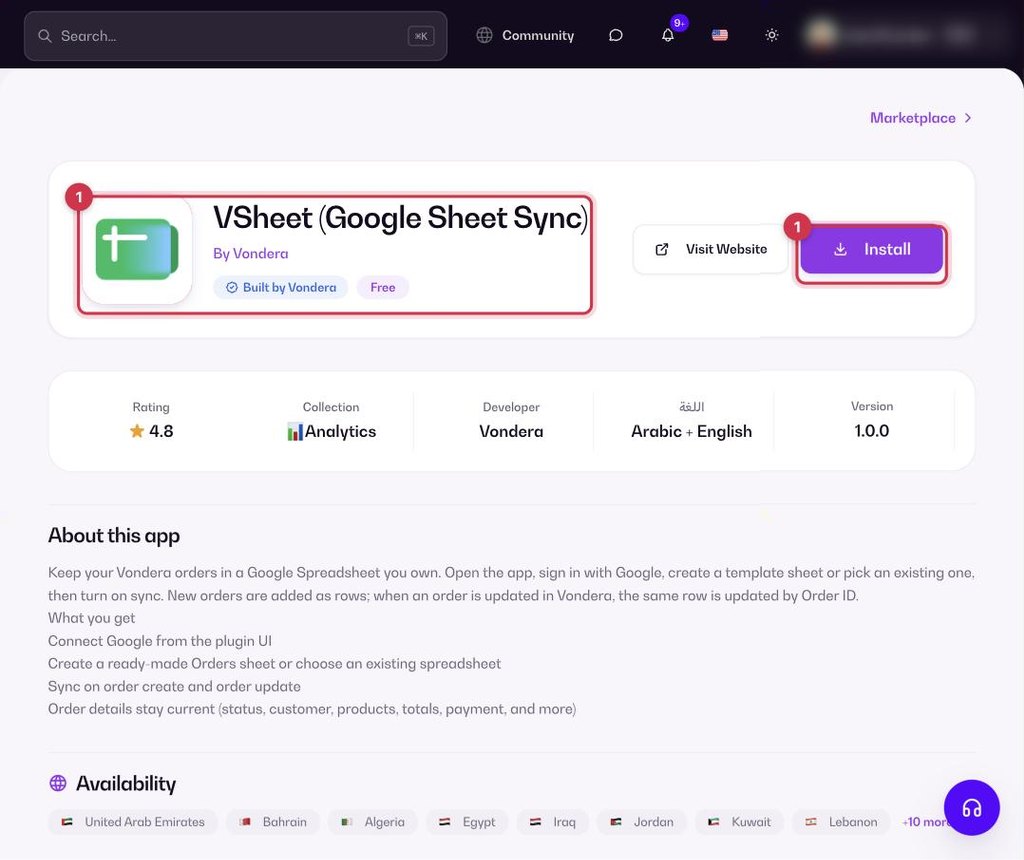
- Go to Apps, filter by Analytics or search, and open VSheet. Click Install.
- In the app, sign in with your Google account.
- Create a template Orders sheet, or pick an existing sheet.
- Turn on sync.
Common questions
Is the app free?
Yes. The app is free to install from the App Store.
Do I need API keys?
No. Signing in with Google is enough.
Will an updated order create a duplicate row?
No. Updates change the existing row for that order.