


 Photo: William Hook / Unsplash
Taager - Sync Orders
Sync your orders with Taager in real time for dropshipping.
🖥️ Open in dashboard/dashboard/marketplace/plugins/Lxycjs1clS0IG8boedlXTaager - Sync Orders keeps your orders in sync with Taager in real time, so Taager can fulfil your dropshipping orders.
Developer
Vondera
Price
Free
Category
Drop Shipping
Available in
Egypt
Set it up
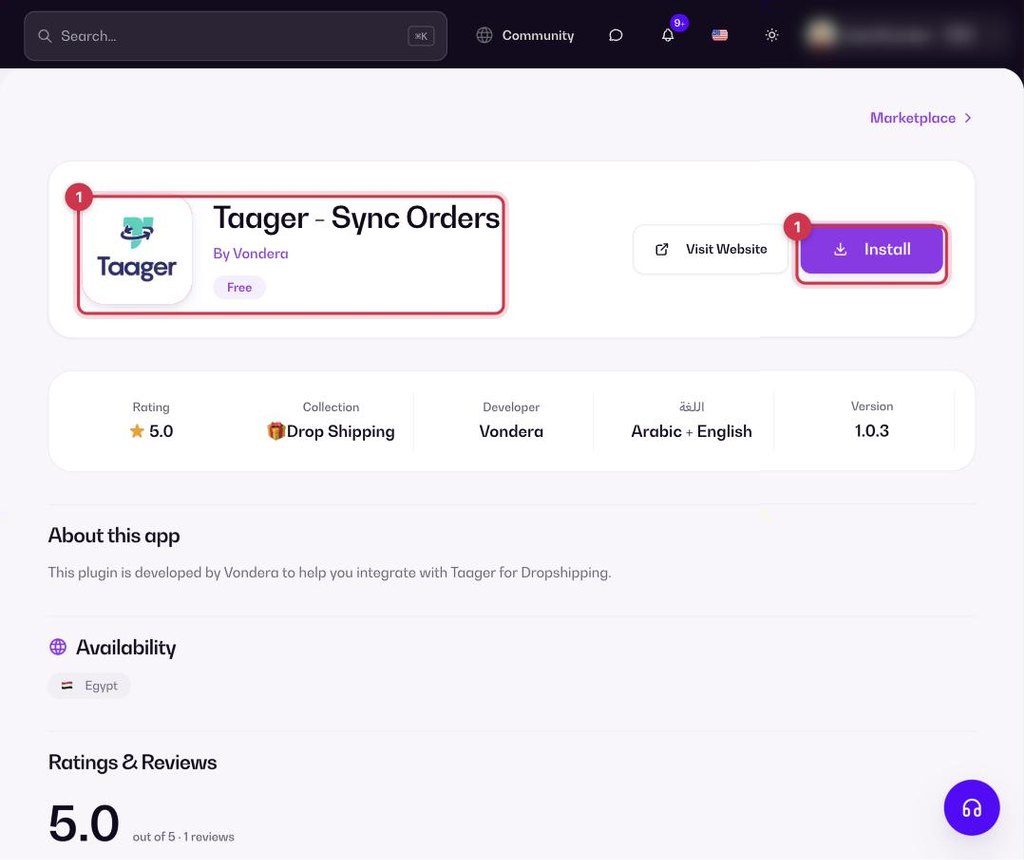
- Go to Apps, filter by Drop Shipping or search, and open Taager - Sync Orders. Click Install.
- After installing, open the app’s settings (Configure) to enter your Taager account details.
- Save. New orders now sync to Taager.
Common questions
Is the app free?
Yes. The app is free to install from the App Store.
Which countries is it available in?
Egypt.
What’s the difference from the Taager catalog app?
This app syncs orders only. To import Taager products and stock, use Taager (catalog).