


 Photo: William Hook / Unsplash
SendGrid
Send your store emails through your own SendGrid account.
🖥️ Open in dashboard/dashboard/marketplace/plugins/2d3A5TAQ46WOibghLokAThe SendGrid app (SendGrid Email Sender) lets your store send its emails through your own SendGrid account instead of the default sender.
Developer
Vondera
Price
Free
Category
Marketing
Available in
Egypt, United States, Saudi Arabia, UAE
Set it up
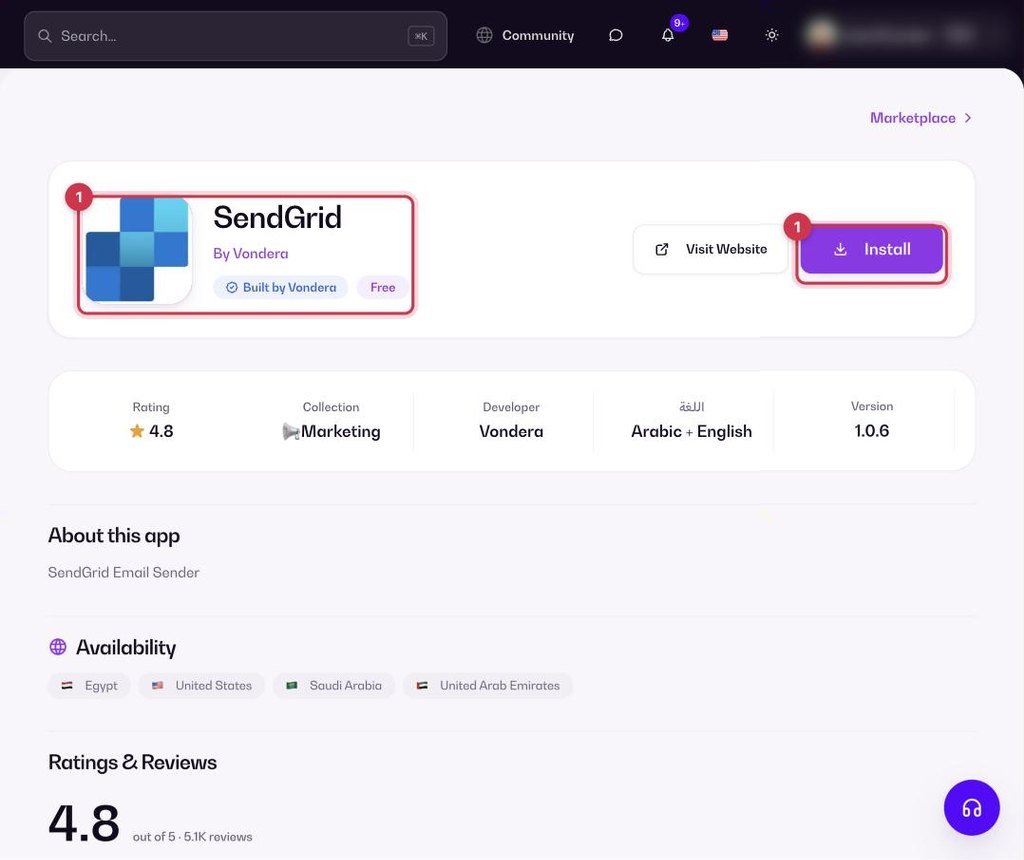
- Go to Apps, filter by Marketing or search, and open SendGrid. Click Install.
- After installing, open the app’s settings (Configure) to connect your SendGrid account.
- Save your settings.
Common questions
Is the app free?
Yes. The app is free to install from the App Store.
Which emails go through SendGrid?
Your store emails, once the app is connected to your SendGrid account.
Do I need a SendGrid account?
Yes. The app sends emails through your own SendGrid account.